


Cloud ERP vs On-Premise ERP Systems: Cost, Security, and Flexibility Compared

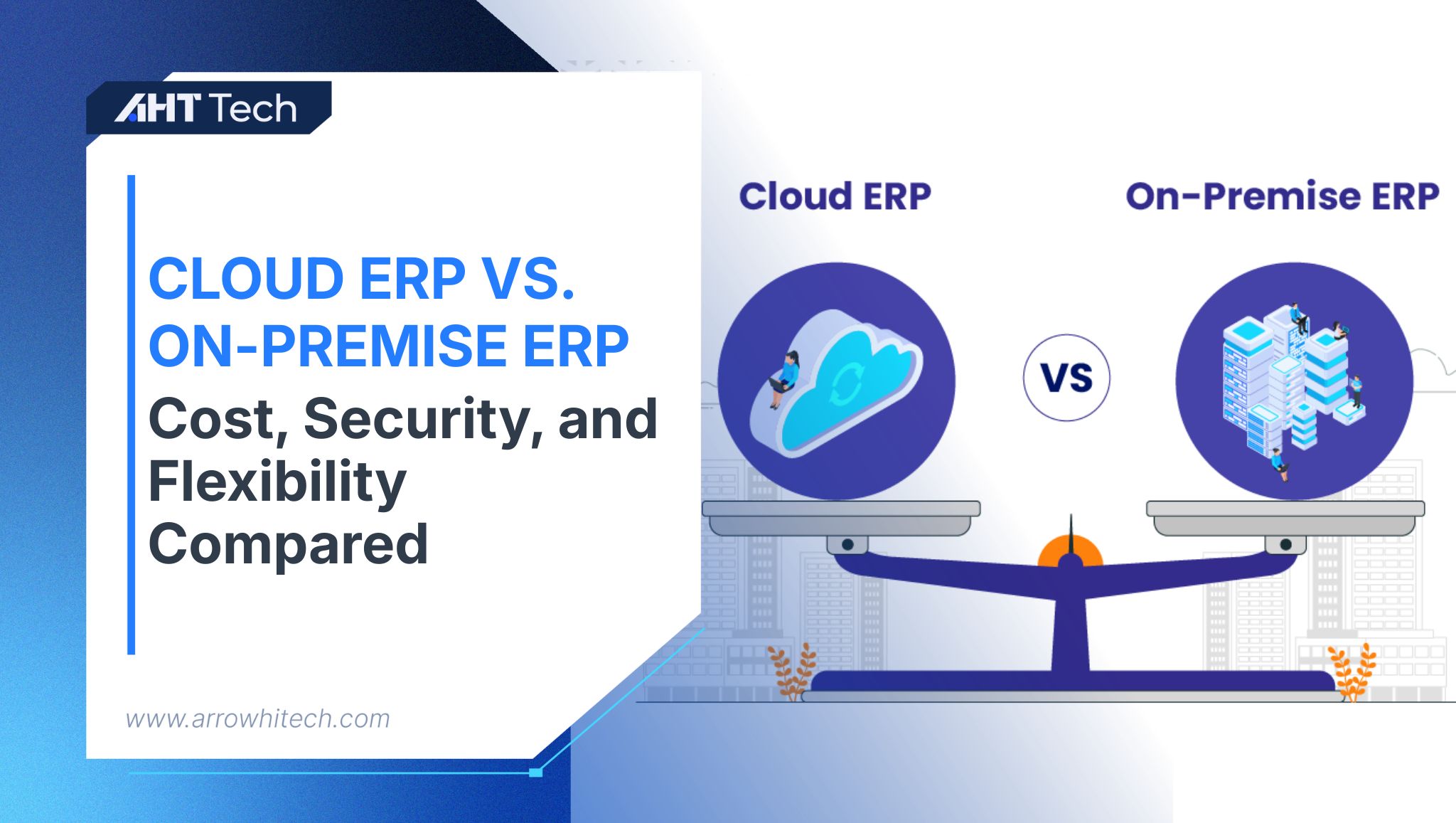
TABLE OF CONTENT
Differences between Cloud ERP vs On-premise ERP
Cloud ERP vs on-premise ERP Comparison Table
When Should Choose Cloud ERP vs On-premise ERP?
Conclusion
Choosing an enterprise resource planning (ERP) system involves more than comparing software features. Businesses must also decide where the ERP platform will be hosted, how it will be maintained, and who will be responsible for its security, performance, and availability.
This is why the decision of ERP model has become a critical part of modern ERP planning.
Cloud ERP operates on infrastructure managed by an ERP vendor or cloud service provider. Users normally access the system through a web browser or mobile application and pay recurring subscription fees. On-premise ERP is installed on infrastructure controlled by the business, requiring the organisation to manage servers, databases, networks, backups, security, and upgrades.
The right choice in a cloud ERP vs on-premise ERP comparison depends on much more than initial software pricing. Businesses must consider capital expenditure, operating costs, cybersecurity capabilities, disaster recovery, remote access, customisation, scalability, and long-term maintenance.
This article provides a detailed analysis between cloud ERP and on-premise ERP to help decision-makers evaluate which deployment model best supports their operational requirements and growth strategy.
Differences between Cloud ERP vs On-premise ERP
Before conducting a detailed comparison, businesses need to understand how the two deployment models operate.
What is cloud ERP?
Cloud ERP is hosted on remote infrastructure managed by an ERP vendor or cloud platform provider. Employees access the application over the internet instead of connecting directly to servers inside the company’s office or data centre.
The vendor generally manages:
- Physical servers
- Infrastructure capacity
- Database availability
- System monitoring
- Platform maintenance
- Application updates
- Infrastructure security
- Backup architecture
However, the customer remains responsible for areas such as user access, data governance, process configuration, endpoint security, integration controls, and employee training.
What is on-premise ERP?
On-premise ERP is installed on infrastructure owned, leased, or directly controlled by the organisation. The business typically purchases software licences and operates the technical environment internally or through an outsourced IT partner.
The organisation is responsible for:
- Purchasing and maintaining servers
- Installing the ERP application
- Managing databases
- Applying security patches
- Monitoring system performance
- Maintaining network infrastructure
- Managing backups
- Developing disaster recovery procedures
- Planning software upgrades
The fundamental difference is therefore responsibility. Cloud ERP transfers much of the infrastructure responsibility to a service provider, while on-premise ERP keeps greater responsibility and control within the organisation.
Cloud ERP vs on-premise ERP Comparison Table
The following ERP deployment comparison summarises the most important differences. This table provides an initial overview, but a reliable cloud ERP vs on-premise ERP decision requires a closer examination of cost, security, flexibility, and operational risk.
|
Comparison area |
Cloud ERP |
On-premise ERP |
| Hosting | Vendor or cloud-provider infrastructure | Company-controlled infrastructure |
| Initial investment | Generally lower | Generally higher |
| Cost model | Subscription-based OpEx | Licence and infrastructure-based CapEx |
| Deployment time | Usually faster | Usually longer |
| Infrastructure management | Managed mainly by the provider | Managed by the organisation |
| Upgrades | Delivered regularly by the vendor | Planned and installed internally |
| Remote access | Usually built into the platform | Requires additional remote-access architecture |
| Scalability | Resources can often be expanded quickly | Additional hardware may be required |
| Customisation | Configuration, APIs, and approved extensions | Greater freedom for deep modifications |
| Security | Shared responsibility | Primarily customer responsibility |
| Disaster recovery | Often included in the service architecture | Designed and funded internally |
| Internet dependency | Requires reliable internet access | May operate through a local network |
| Cost predictability | Recurring fees are easier to forecast | Maintenance and hardware costs may fluctuate |
| Best suited for | Growing and distributed organisations | Highly controlled or specialised environments |
1. Costs
Cost is often the first consideration in a cloud ERP vs on-premise ERP assessment. However, businesses should avoid comparing only licence fees or monthly subscriptions.
A complete cost analysis must examine the total cost of ownership over several years.
On-premise ERP and upfront capital expenditure
On-premise ERP usually requires a significant initial capital investment. The organisation may need to purchase:
- ERP software licences
- Database licences
- Servers
- Storage equipment
- Networking hardware
- Backup systems
- Cybersecurity tools
- Data centre capacity
- Operating system licences
- Disaster recovery infrastructure
Implementation costs may also include system configuration, data migration, integration development, testing, employee training, and project management.
This makes on-premise ERP a capital expenditure (CapEx) model. The business invests heavily at the beginning and expects to use the infrastructure for several years.
The CapEx model may be suitable for businesses that already operate their own data centres and employ experienced infrastructure teams. However, organisations must also account for hardware replacement, maintenance contracts, electricity, cooling, IT salaries, security monitoring, and future upgrades.
Cloud ERP and ongoing operational expenditure
Cloud ERP typically uses an operational expenditure (OpEx) model. Instead of purchasing the complete infrastructure upfront, the organisation pays recurring fees.
Cloud ERP costs may be based on:
- Number of users
- Selected applications
- Transaction volume
- Storage requirements
- Support level
- Integration usage
- Development environments
- Additional security capabilities
One of the most important cloud ERP system benefits is the ability to begin without purchasing a complete server environment. This can reduce the initial financial barrier and help businesses deploy ERP more quickly.
However, cloud ERP is not automatically inexpensive. Subscription costs can increase as the company adds users, entities, storage, applications, and integrations.
What should be included in the cost comparison?
A complete cloud ERP vs on-premise ERP cost assessment should include:
- Software licences or subscriptions
- Implementation services
- Data migration
- Hardware and infrastructure
- Hosting and storage
- Internal IT salaries
- Cybersecurity tools
- Backup systems
- Disaster recovery
- Software upgrades
- Integration maintenance
- Testing environments
- Support contracts
- Downtime risks
- Contract termination or data-exit costs
2. Security
Some companies believe on-premise ERP is more secure because the data stays within their own infrastructure. Other businesses believe cloud ERP is safer because cloud providers invest heavily in cybersecurity.
Neither assumption is always correct.
Security in cloud ERP
Cloud ERP vendors may provide sophisticated security capabilities that would be expensive for an individual business to build independently.
These capabilities may include:
- Data encryption at rest
- Encryption during transmission
- Multi-factor authentication
- Role-based access control
- Automated security patches
- Infrastructure monitoring
- Threat detection
- Audit logs
- Identity-provider integration
- Geographically distributed data centres
These controls are significant cloud ERP system benefits, particularly for businesses without large internal cybersecurity teams.
However, cloud security follows a shared responsibility model. The provider protects the infrastructure and platform, while the customer remains responsible for how the ERP system is configured and used.
A business can still create security risks through:
- Excessive user permissions
- Weak passwords
- Uncontrolled administrator accounts
- Poorly secured integrations
- Unmanaged employee devices
- Failure to remove former employees
- Inadequate data governance
- Lack of security awareness training
Cloud ERP security therefore depends on both provider capabilities and customer governance.
Security in on-premise ERP
On-premise ERP gives the organisation direct control over its technology environment.
The business can determine:
- Where data is stored
- Which network segments can access the ERP
- Which security tools are installed
- When patches are applied
- How administrators access the system
- Whether the ERP environment is connected to the public internet
- How backups are stored
This level of control may be important for organisations with specialised compliance, data residency, defence, manufacturing, healthcare, or government requirements.
Nevertheless, control also creates responsibility.
The organisation must monitor threats, patch servers, protect databases, review access logs, manage firewalls, maintain endpoint security, and respond to vulnerabilities. A poorly maintained on-premise system may be less secure than a professionally managed cloud environment.
Which deployment model is more secure?
The correct question in a cloud ERP vs on-premise ERP security discussion is not simply which model is safer.
A more useful question is:
Which deployment model can the organisation secure, monitor, update, and govern more effectively throughout the ERP lifecycle?
Cloud ERP may provide stronger protection for businesses with limited security resources. On-premise ERP may be more suitable for organisations with mature cybersecurity teams and highly specialised control requirements.
3. Disaster Recovery
ERP downtime can prevent employees from processing orders, receiving stock, approving purchases, issuing invoices, or accessing financial information.
Disaster recovery with on-premise ERP
With on-premise ERP, the organisation must create and maintain its own recovery capabilities.
This may require:
- Automated backups
- Off-site backup storage
- Secondary servers
- Database replication
- Backup internet connections
- Alternative power supplies
- A secondary data centre
- Recovery procedures
- Regular restoration tests
These capabilities can be expensive. As a result, some organisations maintain basic backups but lack a complete disaster recovery environment.
A backup alone does not guarantee business continuity. The company must know how quickly it can restore the ERP platform and how much recent data may be lost.
Disaster recovery with cloud ERP
Cloud ERP providers may operate infrastructure across multiple servers, availability zones, or geographic regions. This can make redundancy and recovery capabilities more accessible.
Important cloud ERP system benefits may include:
- Automated backups
- Infrastructure redundancy
- Geographically separated environments
- Continuous monitoring
- Faster system restoration
- Provider-managed recovery procedures
However, businesses should not assume that every cloud ERP product provides the same disaster recovery capabilities.
Before selecting a provider, ask:
- How frequently is data backed up?
- Where are backups stored?
- What availability is guaranteed?
- Is data replicated to another region?
- How often is recovery tested?
- Can the customer export backups?
- What happens during a provider-wide outage?
- How quickly can the system be restored?
Two metrics are particularly important.
- Recovery Time Objective: The maximum acceptable time required to restore the ERP system.
- Recovery Point Objective: The maximum acceptable amount of recent data that the business can lose.
A strong cloud ERP vs on-premise ERP disaster recovery comparison should evaluate both metrics rather than relying on general claims about backups.
4. Remote Access
Remote accessibility is another major difference between the two deployment models.
Cloud ERP is normally designed for browser-based or mobile access. Employees can connect from different offices, warehouses, stores, or countries, provided they have a secure internet connection and appropriate permissions.
This makes cloud ERP particularly suitable for:
- Remote employees
- International companies
- Travelling sales teams
- Field service workers
- Distributed warehouses
- External accountants
- Multi-location retailers
- Mobile managers and approvers
Remote accessibility is one of the most practical cloud ERP system benefits because it allows employees to work with real-time information without being physically connected to the company’s local network.
On-premise ERP can also support remote work, but additional technologies are usually required.
These may include:
- Virtual private networks
- Remote desktop services
- Secure access gateways
- Identity federation
- Firewall configuration
- Device management platforms
The organisation must operate and secure these systems internally.
In a cloud ERP vs on-premise ERP remote-access comparison, cloud ERP usually provides greater convenience. However, both models require multi-factor authentication, access controls, managed devices, and clear user policies.
5. Flexibility
Flexibility includes scalability, customisation, updates, integrations, and the ability to respond to business change.
Scalability of cloud ERP
Cloud ERP can generally accommodate additional users, storage, transactions, or business entities without requiring the customer to purchase physical servers.
This is valuable for companies experiencing:
- Rapid employee growth
- Seasonal transaction peaks
- International expansion
- New warehouse openings
- Company acquisitions
- E-commerce growth
- Increasing data volumes
Scalability is one of the central cloud ERP system benefits because infrastructure capacity can often be expanded through configuration or subscription changes.
Scalability of on-premise ERP
On-premise ERP scalability depends on the capacity of the existing infrastructure.
When the organisation reaches server, database, network, or storage limits, it may need to purchase and install additional equipment. This can require budgeting, procurement, installation, testing, and system downtime.
On-premise ERP can still support significant growth, but capacity planning must normally happen earlier.
Customisation comparison
On-premise ERP often provides greater freedom for deep technical customisation. Businesses may modify source code, database structures, system services, and infrastructure configurations.
Cloud ERP usually encourages businesses to use:
- Standard configuration
- Approved extensions
- Application programming interfaces
- Integration platforms
- Low-code tools
- Vendor-supported custom applications
The on-premise model may appear more flexible because businesses can modify the core system. However, heavy customisation can make future upgrades expensive and difficult.
In a cloud ERP vs on premise ERP flexibility assessment, organisations should evaluate maintainability rather than customisation volume.
The key question is not whether the ERP can be customised. It is whether those customisations can be supported, tested, secured, and upgraded over time.
6. Upgrades & Maintenance
Cloud ERP vendors normally deliver software updates through scheduled release cycles. These releases may include:
- Security patches
- Performance improvements
- Regulatory updates
- New features
- Interface changes
- Integration enhancements
Provider-managed updates reduce the risk of operating unsupported software. However, businesses must still test critical workflows, integrations, reports, and extensions.
On-premise ERP gives the organisation greater control over upgrade timing. The business can decide when to install a new version and how long to remain on the existing system.
This control may benefit organisations with complex customisations or strict operational schedules. However, delaying upgrades for too long can create security, compatibility, and support risks.
The cloud ERP or on-premise ERP upgrade decision therefore involves a trade-off:
- Cloud ERP offers regular innovation with less infrastructure maintenance.
- On-premise ERP offers more control but requires greater internal resources.
When Should Choose Cloud ERP vs On-premise ERP?
On-premise ERP
On-premise ERP may be more appropriate when the organisation requires:
- Direct control over infrastructure
- Highly specialised customisation
- Local operation during internet outages
- Strict physical data-location controls
- Integration with sensitive legacy equipment
- Isolated network environments
- Internally managed upgrade schedules
- Use of existing data centre investments
The ERP model choice may favour on-premise deployment when regulatory, operational, or technical requirements outweigh the benefits of cloud accessibility and scalability.
Is hybrid ERP a suitable alternative?
Businesses do not always need to choose a completely cloud-based or on-premise environment.
A hybrid ERP strategy combines both deployment models. For example, an organisation may retain specialised manufacturing or operational systems on-premise while moving finance, procurement, CRM, analytics, or human resources to cloud platforms.
Hybrid ERP can provide flexibility, but it also increases architectural complexity.
Businesses must define:
- Which platform is the source of truth
- How data is synchronised
- Who manages integrations
- How identities are controlled
- Which environment stores master data
- How failures are monitored
- How consolidated reporting is produced
In some cloud ERP vs on-premise ERP evaluations, hybrid deployment provides a practical transition path. However, without clear governance, hybrid ERP can create duplicate data and disconnected processes.
How to make the decision?
Use the following framework before selecting a deployment model.
Step 1: Calculate total cost of ownership
Compare subscriptions, licences, infrastructure, staffing, security, upgrades, disaster recovery, and support over at least five years.
Step 2: Define security requirements
Identify data residency, access control, audit, encryption, and compliance requirements.
Step 3: Establish recovery objectives
Determine acceptable recovery times and potential data loss for critical ERP processes.
Step 4: Review remote-access requirements
Assess how employees, subsidiaries, partners, and external specialists need to access the ERP platform.
Step 5: Evaluate integration complexity
Document connections with e-commerce platforms, payment gateways, banks, warehouses, manufacturing systems, and legacy applications.
Step 6: Assess internal IT capabilities
Determine whether the business can maintain servers, databases, networks, security tools, backups, and upgrades.
Step 7: Estimate future growth
Consider changes in users, locations, companies, warehouses, transactions, and data volumes.
A structured cloud ERP vs on-premise ERP assessment helps businesses avoid making decisions based only on initial pricing or general assumptions.
Conclusion
The cloud ERP vs on-premise ERP decision affects technology costs, security responsibilities, disaster recovery, remote access, scalability, and long-term operational flexibility.
Cloud ERP generally offers lower initial infrastructure requirements, faster deployment, easier remote access, scalable capacity, and provider-managed maintenance. These cloud ERP system benefits make cloud deployment especially attractive for growing, distributed, and digitally focused businesses.
On-premise ERP provides greater control over infrastructure, upgrades, data location, and deep customisation. It may remain suitable for organisations with specialised regulatory, security, manufacturing, or integration requirements.
There is no universal winner in the cloud ERP vs on-premise ERP comparison. The correct choice depends on the organisation’s budget, internal IT resources, compliance obligations, recovery requirements, workforce structure, and long-term growth strategy.
A thorough cloud ERP vs on-premise ERP evaluation should therefore consider not only where the ERP system is hosted, but also who will operate, protect, update, scale, and recover it throughout its lifecycle.
AHT Tech helps enterprises assess, implement, and optimize on-premise, and hybrid ERP solutions. From consulting and data migration to integration, customization, and long-term support, our experts align ERP deployment with your security, cost, and growth requirements.
Contact our experts to discuss the right ERP strategy for your business!
FAQs
What is the main difference between cloud ERP vs on-premise ERP?
The main difference between cloud ERP vs on-premise ERP is where the system is hosted and who manages the infrastructure. Cloud ERP is hosted by a provider, while on-premise ERP operates on infrastructure controlled by the organisation.
Is cloud ERP cheaper than on-premise ERP?
In a cloud ERP vs on-premise ERP cost comparison, cloud ERP normally has lower upfront infrastructure costs. On-premise ERP requires more initial investment, but long-term costs depend on subscriptions, users, maintenance, hardware, staffing, and system lifespan.
Is cloud ERP more secure than on-premise ERP?
The cloud ERP vs on-premise ERP security outcome depends on provider capabilities and internal governance. Cloud providers may offer advanced infrastructure protection, while on-premise ERP gives businesses more direct control. Both models require strong identity, access, and data-security policies.
What are the main cloud ERP system benefits?
The main cloud ERP system benefits include remote accessibility, lower initial infrastructure investment, easier scalability, provider-managed updates, faster implementation, and more accessible disaster recovery capabilities.
Can on-premise ERP support remote employees?
Yes. On-premise ERP can support remote access through VPNs, secure gateways, or remote desktop systems. However, the business must implement, maintain, and secure the required infrastructure.
Which is better: cloud ERP vs on-premise ERP?
There is no single answer to whether cloud ERP vs on-premise ERP is better. Cloud ERP is often suitable for growing and distributed organisations, while on-premise ERP may be more appropriate for businesses requiring deep control, specialised customisation, or isolated infrastructure.
How should businesses complete an ERP deployment comparison?
An ERP deployment comparison should evaluate total cost, security responsibilities, compliance, remote access, disaster recovery, scalability, integrations, customisation, internal IT capabilities, and future business growth.